IXD414 - Designing with Systems
This is a studio course about designing digital products for the screen, with an emphasis on designing with systems in mind. This syllabus will be updated with more information throughout the semester. I'll let you know in class about updates.
Questions? mattk@ku.edu.
Fearless Inventory
Let's build a system from an existing brand, and then put it to the test.
You will design a new tool for a small coffee chain warehouse. Your solution will help a warehouse worker reconcile a putative inventory quantity with actual in-person inventory in a physical location. You'll get assigned an existing coffee brand to work with, but many specific functional details will be mandated here.
Your Client
Your client is the Operations Director for a growing chain of 30 coffeeshops. Here's her request to you:
We need help! I've got a fancy ordering system that lets my local store managers order stuff from my central warehouse - nonperishable stuff like plates, cups, aprons, brand merch, and even tea. The system keeps track of their orders, and subtracts it from the inventory count at my central warehouse. That system tells me what I should have remaining in stock at the warehouse, but that doesn't always match up with reality.
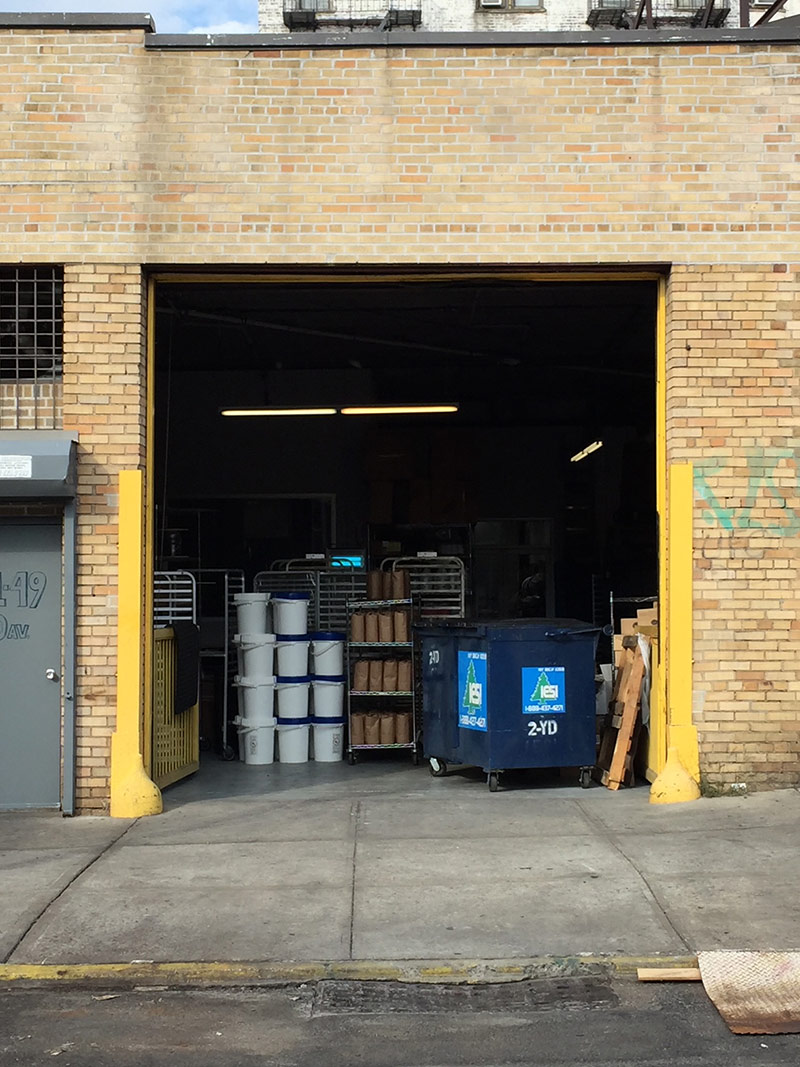
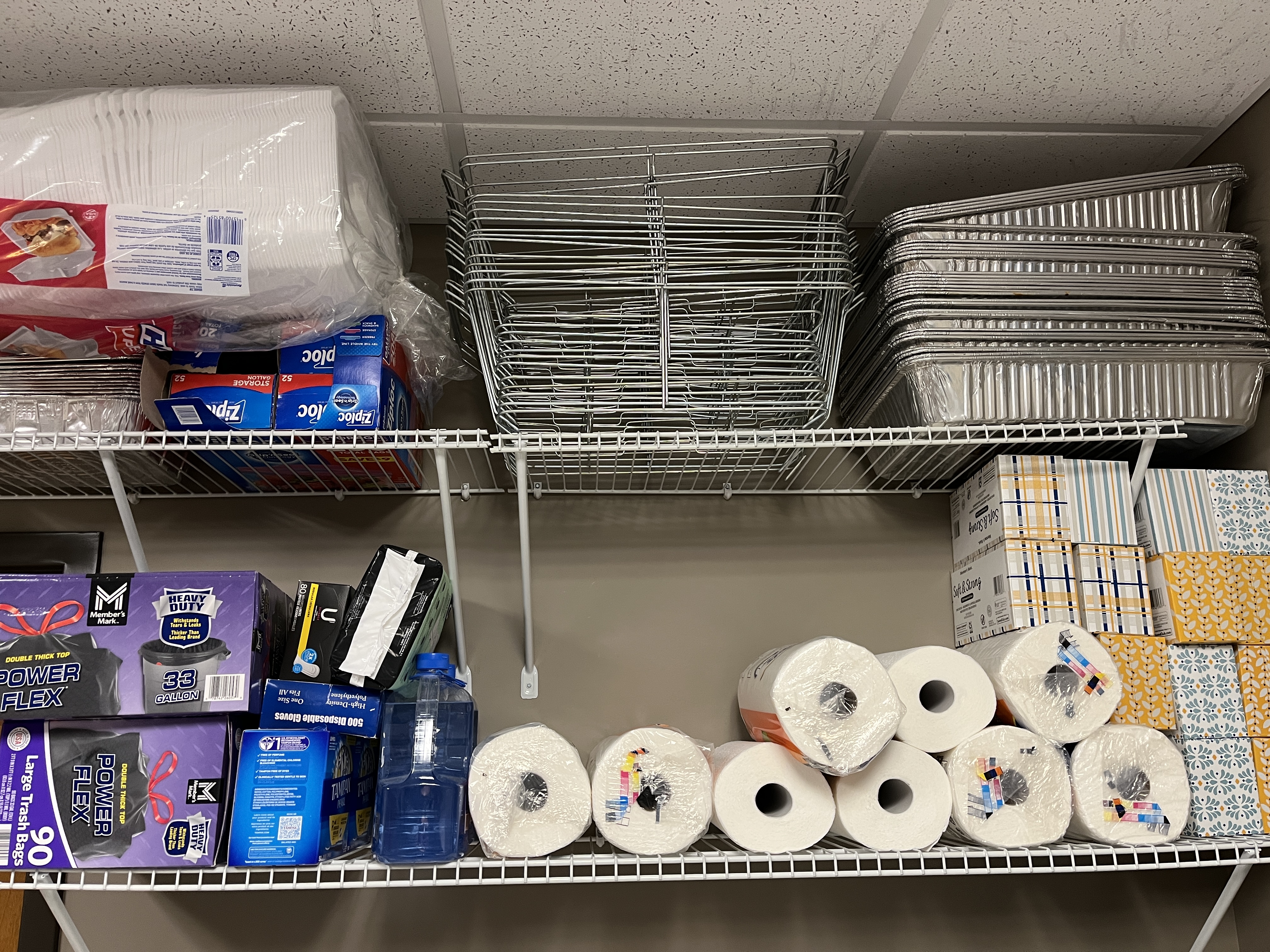
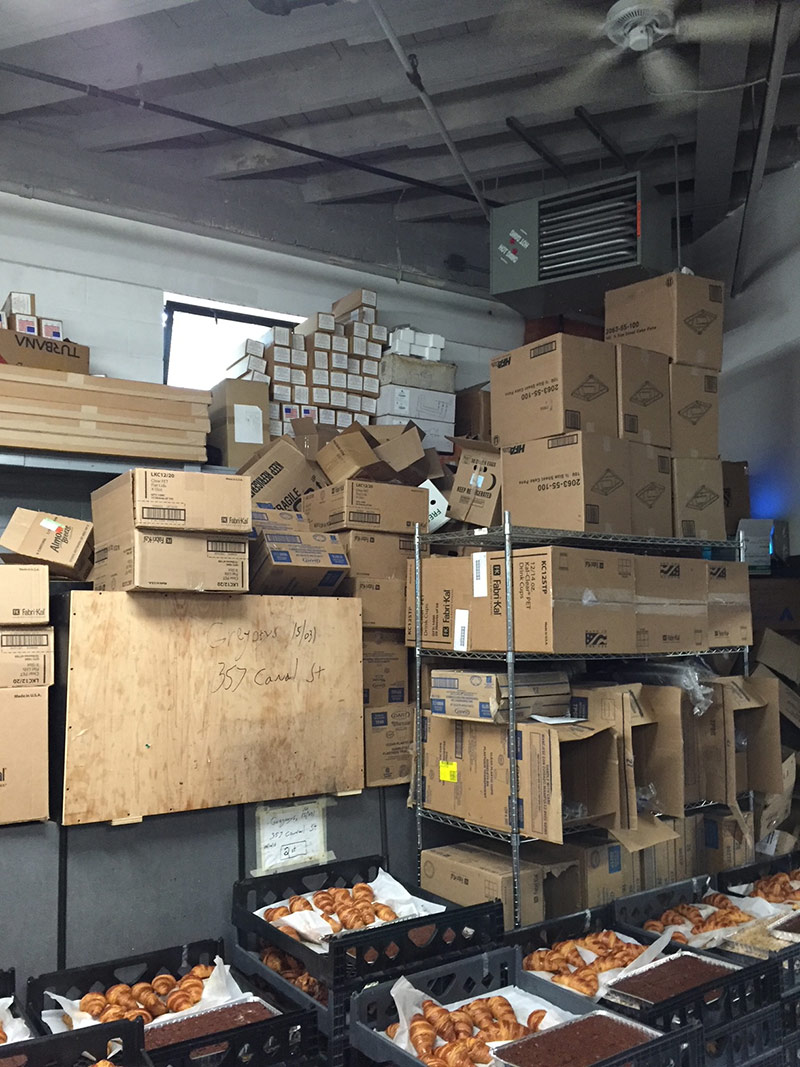
I need something audit what we really have in stock and compare that with what we think we have in stock. We've been growing like crazy lately so our warehouse is kind of a mess. (See photos: warehouse exterior, shelves, warehouse interior.)
I'm not going to ask my retail team to mess with this - I just want a system where the warehouse team can count up what we have, and then that generate some kind of report to me.
Here's my current inventory readout. I have no idea if this is accurate. Help!
Deliverables
We'll go step-by-step through specific design deliverables that get us closer to an interactive system to solve our client's problem. We'll discuss each deliverable before we start, but this will include:
- Brand Research and Design System audit
- Building a lightweight design system
- User Stories
- Wireframes
- Prototypes
- Guerrilla User Testing
Some other requirements:
- We'll be designing and testing for mobile devices. Figure out the proportions of your phone.
- We need to represent this actual inventory reference.
- We'll need to fulfil THIS set of User Stories that we define together.
- We'll be working collaboratively for a lot of this project. Get used to the idea!
- Don't get too attached to any one deliverable
Session 1: Introduction & research
- Project Brief: Help this client with their inventory
- Today we'll kick off this project and collaboratively write some user stories.
- Homework: Start researching your brand. Check their website, stalk their social media, download their app. Start a new figma file and collect as many examples of UI elements as you can. Make a color palette based on what you can see the brand already using. Don't design anything yet, this is just research. This should include: What colors do they use? What type (families and hierarchy)? What do buttons look like (and do they have alternate states)? what about online forms? elements? navigation? Does anything have motion? etc. etc.
- Label all the elements you find! Maybe make a table of contents grid showing: 'found this' 'didn't find this' 'kind-of-but-confusing'. Look for:
Style Themes:
- Colors (primary/secondary/accent/neutral/ etc)
- Font famlies
- Box radiuses
- shadows
- Gradients
- Textures
UI Components:
- Accordions
- Expand/Collapse
- Alerts
- Avatars
- Badges
- Buttons
- Breadcrumbs
- Cards
- Carousels
- Chat bubbles
- Drawer/Sidebar
- Forms:
- - form label
- - text input
- - text area input
- - dropdown/select
- - checkbox / acceptance
- - radio selects
- - file input
- Footer
- Hero
- Indicator badge
- Lists
- Menus:
- - Primary / main nav / navbar
- - Dropdowns
- - Search
- Modal dialogs
- Pagination
- Progress indicator
- Tables
- Toggles
Session 2: Design Audit Review
- Let's look at your design audit research.
- Here's our set of user stories to work from.
- Homework: Make wireframes from stories. KEEP THEM WIREFRAME-Y, do not style this yet. The result should be indistinguishable from any coffee chain.
Session 3: Prototypes, Testing, & Design System thoughts
- Review prototypes.
- Do these fulfil the user stories? What's missing?
- Talk about User Testing options
- Take a first-pass revision at improving your prototype based on in-class feedback.
- Homework: Guerrilla user testing with counting method. Test with 5 people. Document it. Write observations on what could/should change based on user testing.
Session 4: Test Reports. Starting some visual styling.
- Review testing.
- Talk about applying elements from your style research.
- But first: SWAP!
- Homework: Take a first pass at styling your prototype with your new brand, and FORCE yourself to use elements from your inherited brand research doc. Don’t add or enhance, just try to use the inherited brand strictly. Our goal is to discuss on Thursday: what worked? what didn't? What's broken or missing?
- You can also fix any ux problems you discovered in your testing round.
Session 5: Review brand application.
- Review styled prototypes. What worked? What did you feel was missing or not good enough in your branded proto?
- What elements did you find in your inherited brand doc and what will you need to invent?
- Homework: make a design system doc, based on what you learned. Use elements from your prototype. NOW feel free to update and enhance, but remember you're trying to fit the brand you see.
- AND: add flows and designs to support the Ops Manager stories. If you're building your design elements, you can do this in a 'styled' prototype or stick to wireframes if that helps you solve for UX problems.
Session 6: Keep going
- Check in: we'll critique on Thursday. How's it going? Anything you want to look at?
- Homework: Be done and ready to critique by Thursday!
Session 7: Final Deliverables
- Let's see what you made! Critique & lessons learned.